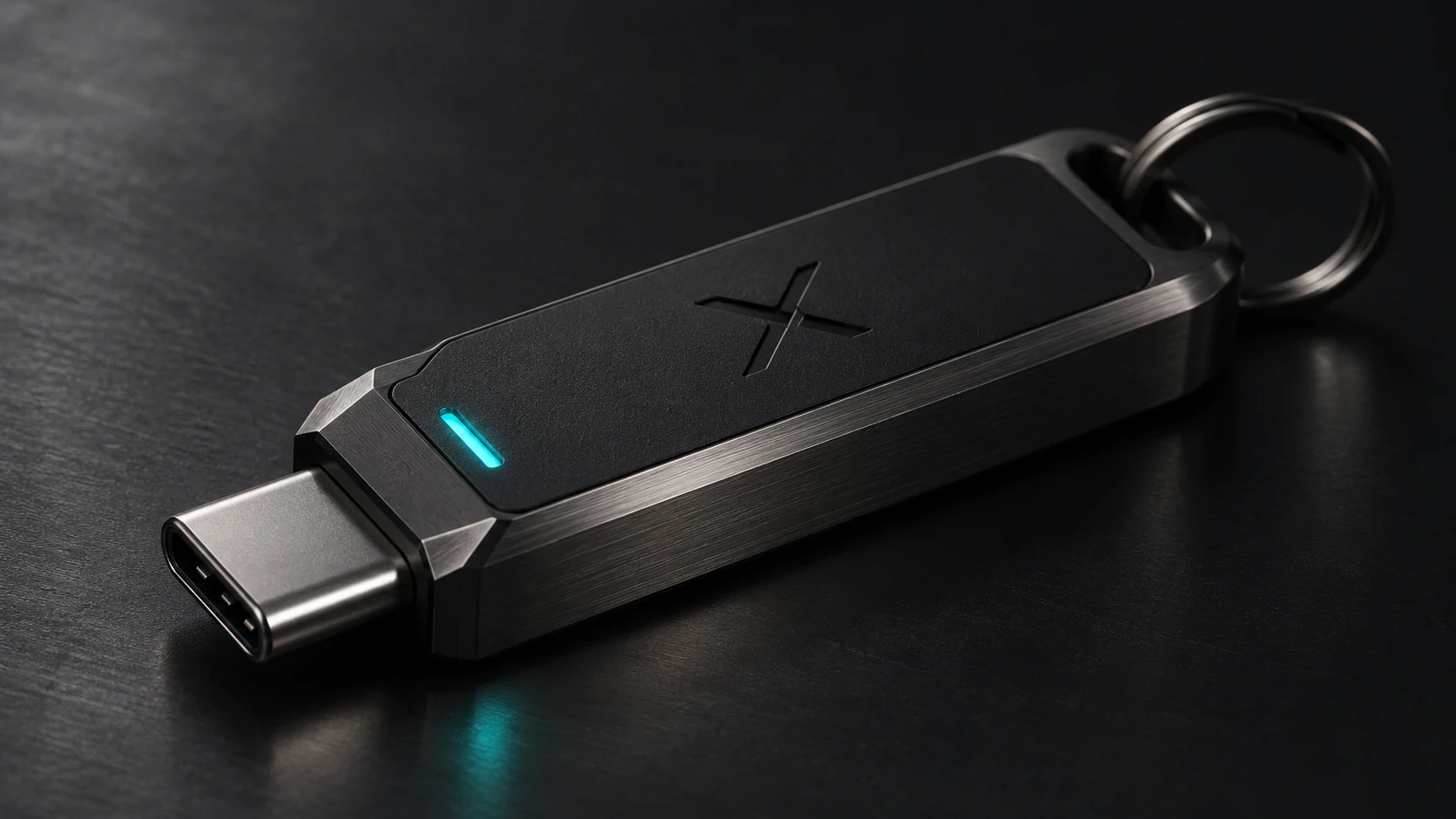
The vault format: one gateway, one selected encrypted file
The current XSSG beta uses the .xkv extension for a self-contained recovery vault. Each vault has public identification metadata and an encrypted payload holding selected SSH key material and gateway configuration details. Different gateways can have separate vault files and separate passwords. A vault can be transferred as a file; copying one does not install its keys onto another computer.
| Vault file | gateway-one.xkv (illustrative name) |
|---|---|
| Data boundaries | Readable identification metadata; selected recovery contents encrypted |
| Vault password | Entered to encrypt or decrypt that particular vault; no master-password recovery promised |
| SSH private-key passphrase | Independent of the vault password; protecting the SSH key is a separate control |
| Restore behavior | User selects the vault and key; installation never silently imports every key on the USB |
| Verification | Selected vault is decrypted to a separate recovery key and tested with a fresh key-only SSH session |
| Cryptography detail | Source material identifies age as a referenced component. Confirm the precise .xkv envelope, cipher, KDF and version-specific parameters against the distributable implementation before publishing them as an exact protocol specification |
The portable kit: readable directories, private recovery data
/X/
├── START_HERE.txt
├── vault/
│   ├── gateway-one.xkv
│   └── gateway-two.xkv
└── xerxes_ssh_wizard/
    ├── xerxes-ssh.sh
    └── scripts/
One main entry script. Supporting scripts live in their own subdirectory. The USB holds the portable application alongside vault files; it is not itself a cryptographic authenticator. Backups are individually encrypted. Keep a safe offline copy of important vaults and remember their passwords.
Checks on checks. Then proof.
ZERO GUESSWORK / MULTIPLE CONTROL POINTS
SSH security should not depend on remembering twelve commands in the right order. XSSG treats hardening as a guarded transaction: inspect the starting state, prepare recovery, apply only reviewed changes, then test what actually works. Each stage has a different job.
Read before writing
Inspect existing SSH authentication, access sources and UFW policy. Present the current state before proposing a change.
Prove the recovery key
Unlock the selected encrypted .xkv vault, restore only the chosen recovery material and authenticate with an independent key-only SSH session.
Arm the way back
Prepare an independent timed rollback before guarded firewall and SSH changes. Review permitted CIDR ranges, including LAN and VPN sources, before applying.
Change in stages
Guard SSH configuration and UFW changes rather than leaving the operator to improvise a potentially dangerous sequence.
Connect again
Verify effective authentication policy and test the new login before confirming. An unanswered confirmation does not substitute for a successful login proof.
Integrity has layers
Release SHA-256 checksums help detect changed download bytes; authenticated vault encryption detects tampering with protected vault contents. A checksum alone does not prove publisher identity—signed releases remain a distinct verification objective.
Scope note: These checks cover different risks. Full automatic recovery from real-world lockout, every VPN route, and all board-specific environments remains subject to independent validation. Never disconnect your last working administrative session before testing another.
A sequence built to prevent skipped steps
- Discover. Inspect the gateway and current SSH, source-network and firewall state before making changes.
- Select. Choose the precise account, key and approved source ranges. LAN and VPN CIDRs can be reviewed separately.
- Prepare recovery. Write or choose a password-protected vault. Existing verified matching vaults can be reused instead of multiplied.
- Prove recovery. Decrypt to an independent copy and authenticate using that restored key, not just the working copy.
- Preview. Review intended remote changes, including SSH authentication settings and UFW allow rules.
- Guard and apply. The guided transaction uses explicit approval and an independently scheduled rollback path; the real-world timed-lockout behavior still needs failure-injection qualification.
- Verify and record. Test fresh key-only login and effective settings. Record what passed—and what was not tested.
Important: XSSG reduces reliance on remembering a manual procedure; it cannot remove the need for knowledgeable network review. A verified local login does not prove a remote VPN route, public Internet path, or every reboot scenario.
From a home rack to the edge: the builder roadmap
Running an SSH service on a Raspberry Pi, a home NAS, a mini PC, or an NVIDIA Jetson Orin Nano makes remote access useful—and makes a reliable recovery plan essential. XSSG's current qualified story is macOS controller → Linux OpenSSH gateway using reviewed UFW policy. Raspberry Pi OS, Jetson Linux, other ARM64 distributions and their default firewall configurations are targets for compatibility testing, not certified platforms.
Raspberry Pi projects
Headless SSH management, self-hosted dashboards and tinkering machines. Test the distribution, service naming, sudo policy, UFW availability and network path first.
Jetson Orin Nano projects
AI prototyping and Linux-based edge nodes need controlled remote access. JetPack / Jetson Linux version, network topology and service behavior require platform-specific validation.
NAS, mini PC & home servers
Bring your own compatible USB storage and grow a clearly labeled set of individual gateway vaults. No proprietary USB device is required.
The next release is being prepared
The current evaluation build is available to inspect. An updated public release is being prepared, with usability, vault-update guidance, guarded confirmations and additional verification work on the checklist. A final release date, license and expanded hardware-compatibility matrix have not yet been announced.
Interested in the technical details? Explore the operator manual, seven-stage method, security boundaries and Coming Soon.
Reference material for builders
The maker examples describe potential environments and technical design goals; they do not assert completed XSSG testing on Raspberry Pi or Jetson hardware. XSSG is independent of the manufacturers mentioned here.