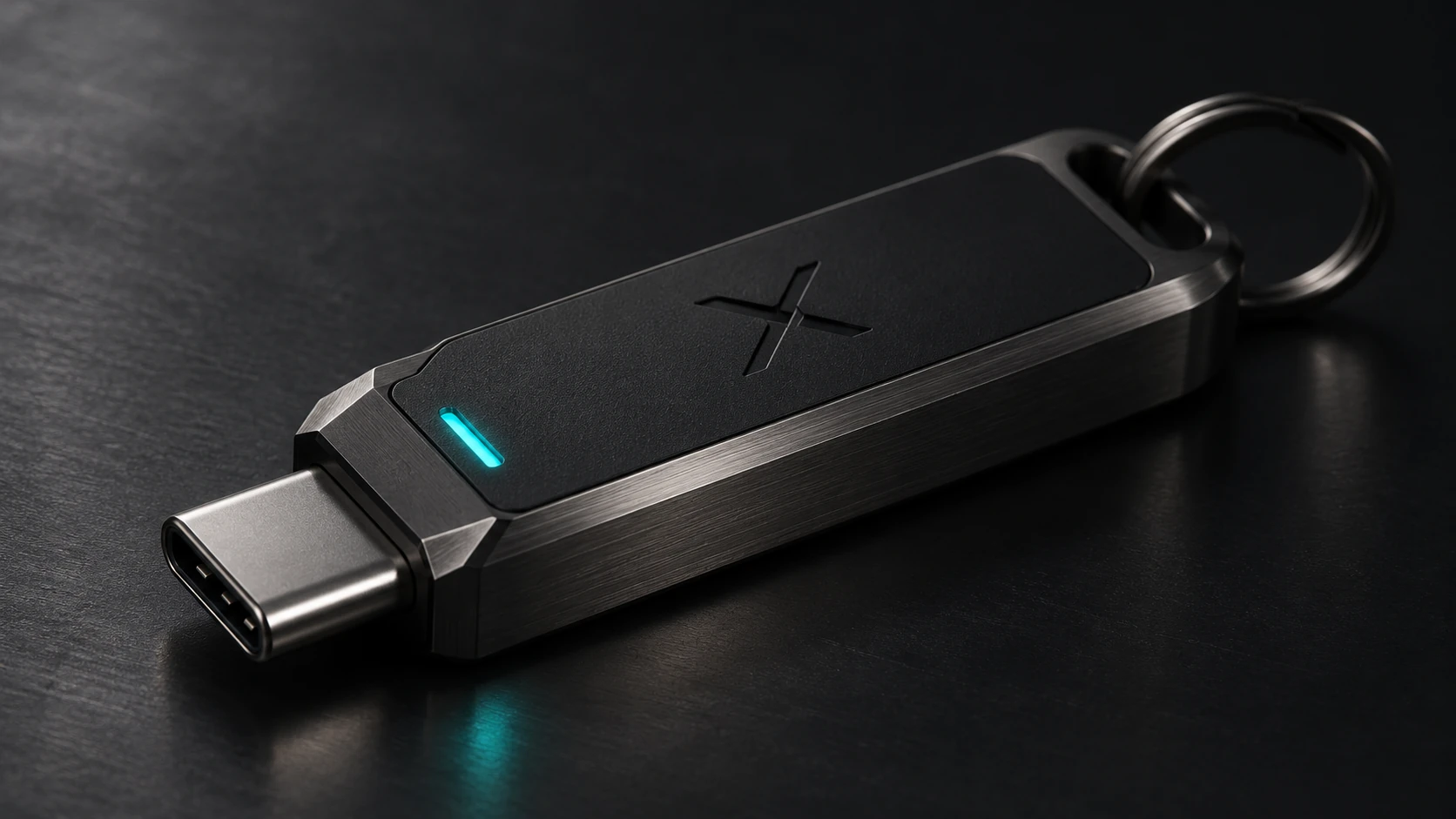
One USB. One program. Selected encrypted vaults.
If you already use another SSH tool, that is fine. See how XSSG fits alongside the rest of the SSH ecosystem.
Take a compatible USB drive you already own. XSSG keeps the portable program under /X/xerxes_ssh_wizard/ and selected encrypted recovery vaults under /X/vault/. It does not automatically import every key stored on the device.
/X/
├── START_HERE.txt
├── vault/
│   ├── gateway-one.xkv
│   └── gateway-two.xkv
└── xerxes_ssh_wizard/
    ├── xerxes-ssh.sh
    └── scripts/
Builder's technical note. A .xkv vault is individually password-protected, and the SSH key may have its own independent passphrase. Public metadata helps identify the vault without decrypting its private recovery payload. Read the vault specification, guardrail sequence and ARM hardware testing roadmap →
It's not a password on a stick.
Each current-format .xkv is a self-contained file with intentionally public identification metadata and an encrypted payload. That payload includes the selected key material and gateway configuration details. The recovery-vault password and the SSH private-key passphrase are independent. XSSG does not promise that a misplaced vault password can be recovered.
Recovery isn't real until you prove it.
The guided workflow decrypts the selected vault into a separate key and attempts a fresh, key-only SSH login. The working key remains untouched. Repeated password prompts are deliberate, because decryption, SSH key use, and Linux administrative approval are separate security operations.
Why no special stick?
We could sell a piece of brushed metal and let you pay for the feeling. We'd rather make the process the product. Choose your storage. Control the recovery. Use the wizard. The pictured USB is a visual concept, not shipping hardware.
THE RECOVERY OBJECT / THE OFFLINE ADVANTAGE
Put your way back in your pocket.
A lost laptop, a misplaced private key, a changed workstation: those are ordinary events with extraordinary consequences when a server trusts only one SSH key. The USB vault is designed to give you a portable, deliberately selected encrypted recovery copy that does not have to remain on the working machine.
Choose the gateway. Protect its .xkv with a separate vault password. Keep the drive physically safe and disconnected when not needed. If recovery is required, unlock the selected vault, restore a separate key and verify a new SSH session. The vault password protects the stored backup; a separate SSH key passphrase can still protect the key when used. The USB is a recovery medium, not an authentication token.
Encrypted at rest.
The private payload is encrypted inside the selected vault file. A USB drive alone should not be enough to read the protected recovery contents.
Two different secrets.
A vault password unlocks the recovery package. An SSH key passphrase, when set, protects private-key use. Neither replaces the other.
Proof over promises.
A restored copy must actually authenticate; merely creating a backup is not proof of recoverability.
Encryption strength depends on the implementation, password quality, software version and safe key handling. Exact cipher and key-derivation parameters are pending release-source verification; a forgotten vault password cannot be bypassed by XSSG.
See how future FIDO2 adds a different security layer ↗Related engineering
Go deeper: XSSG manual · questions and answers · security limitations · release preview · Clawsolator · XERXES SI.